

In this guide
Open the Insights page
On the Home screen, tap the bar-chart button beside + in the upper-right corner. This opens Insights, where you can review patterns across your unarchived habits.
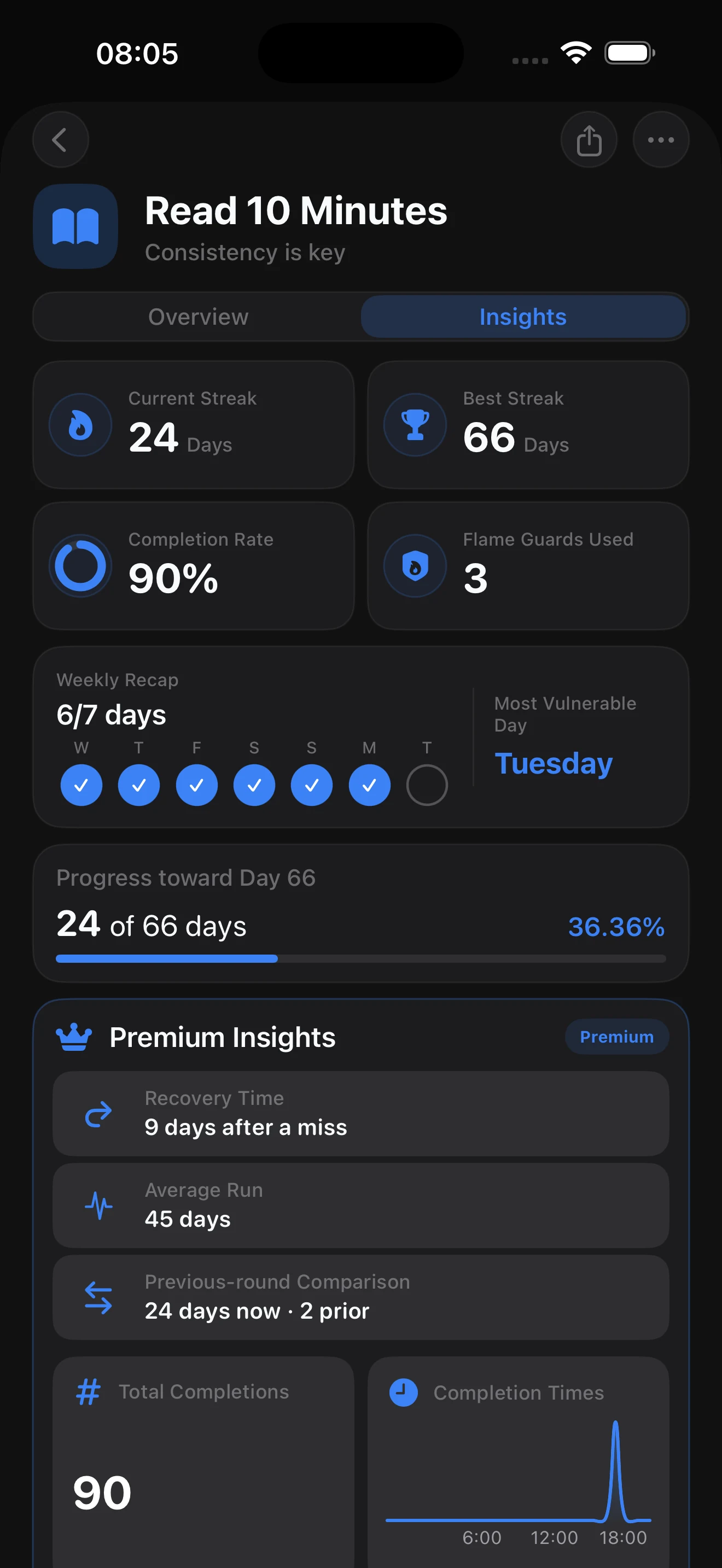
The Insights tab inside an individual habit is a separate view focused on that habit. For the combined page described here, use the Home screen’s bar-chart button.
Choose a time range
At the top of the page, choose the period you want to review:
- 7D: the last 7 days. Useful for a recent routine check.
- 30D: the last 30 days. This is the default view.
- 90D: the last 90 days. Requires Premium.
- All: all available history. Requires Premium.
Every card uses the selected range. Changing from 7D to 30D changes the period you are looking at, so the numbers and patterns can change too.
The crown beside 90D or All marks a Premium range. Tapping a locked range opens the Premium screen. With Free, you can continue using 7D and 30D.

Read the free cards first
Consistency shows completed, missed, and paused habit days for the selected period. If several habits are included, these are totals across habits, not simply a count of calendar dates.
The completion rate includes Flame Guard protection. Paused days and today’s pending check-ins are excluded from the completion rate. An unfinished habit today does not immediately count as a miss.
Time of Day shows when recorded completions fall into Morning, Afternoon, Evening, or Night. Use it to notice when your routine tends to happen. It reflects recorded check-in timing, so logging an activity later can affect the pattern you see.
Consistency and Time of Day are available without Premium. Start here before moving into the deeper cards.
Explore the deeper Premium cards
Premium unlocks the longer ranges and the deeper analysis below. Scroll down to find the cards available for your history.
| Card | What it helps you understand | A useful question to ask |
|---|---|---|
| Completion Trend | How recorded completion changes across the selected period. | Is my routine becoming more consistent? |
| Habit Friction | Patterns that suggest a habit is harder to maintain. | Which habit needs a smaller goal or a better cue? |
| Recent Momentum | Recent changes in each habit’s completion rate or timing. | What has improved, and what needs attention? |
| Habit Performance | Completed days and completion rates for individual habits. | Which habits are steady across this period? |
| Completion Time by Habit | The recorded timing of each habit’s completions. | When do I usually get this habit done? |
| Routine Order | Recurring sequences or transitions between habits. | Is there an existing routine I can build on? |
| Habit Pairing | Habits that are often completed close together. | Which habits could share a reliable cue? |
Some cards appear only when your history contains enough relevant data. A new habit may not yet have a meaningful timing pattern, pairing, or recurring routine. Keep recording check-ins and review a longer range when it is available.
Patterns describe your recorded history. They do not prove that one habit causes another, and logging several activities together can affect timing and pairing results.
Turn one insight into a useful adjustment
Start with one habit and one question. For example, if reading is often missed in the evening, try an earlier reminder or a smaller target on busy days.
- Choose a range with enough recorded history to compare.
- Check Consistency, then review the card most relevant to your question.
- Make one change, such as adjusting today’s goal or changing a reminder.
- Keep recording your activity and review the pattern again after a week.
Use Insights to choose a practical next step, not to judge a single difficult day. Planned breaks belong in scheduled pauses, so the history reflects your intention.
Use Weekly Recap for a quick review
Open Settings > Weekly Recap for a focused view of the previous week. It shows completions, active days, the best day, and a comparison with the earlier week when that history is available.
Insights lets you choose a range and explore detailed patterns. Weekly Recap gives you a shorter review you can use to plan the coming week.